Why Is a Byte 8 Bits? History, Hardware, and the 8-Bit Standard
Why is a byte 8 bits? Learn how character encoding, hardware tradeoffs, compatibility, and the octet standard made 8-bit bytes the modern norm.
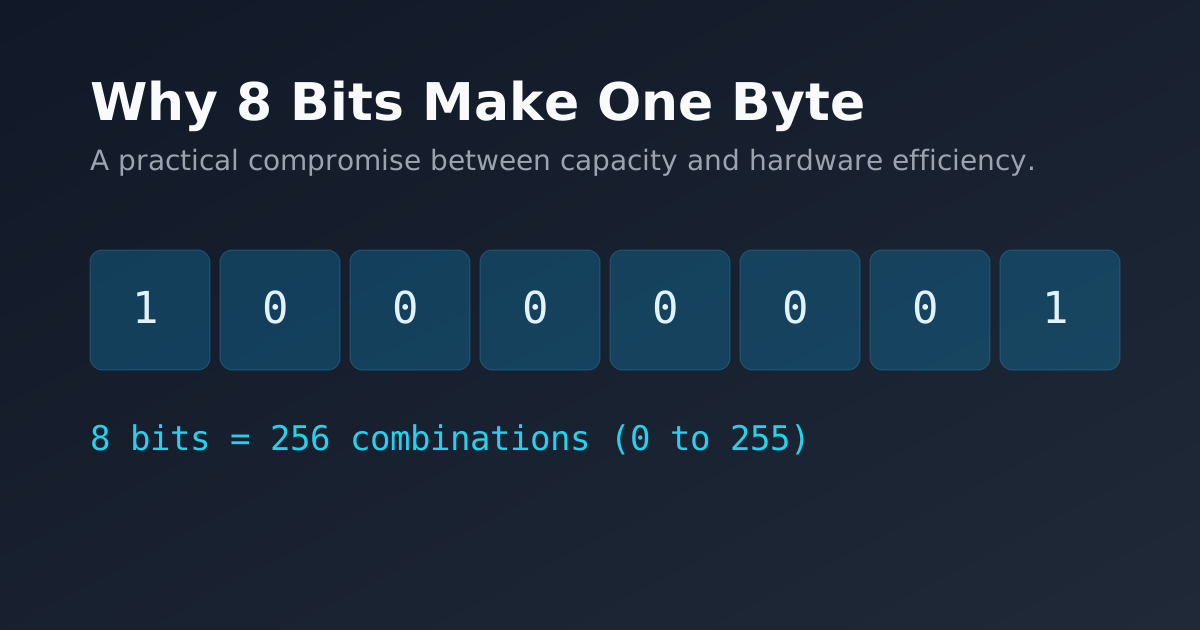
A modern byte contains eight bits, but that relationship was not dictated by mathematics. It emerged from decades of engineering choices around character encoding, memory organization, processor design, and compatibility.
Early computers used several different data and character widths. As hardware and software ecosystems matured, eight-bit bytes became the practical common unit and eventually the assumption behind mainstream computing.
Bit vs Byte in Brief
A bit is a binary digit, while a modern byte contains eight bits. For symbols, prefixes, conversions, storage sizes, and transfer-rate examples, see our practical bit and byte comparison.
Early Byte Sizes Were Not Always Fixed
The word byte did not originally guarantee a group of eight bits. Early computer architectures used different character sizes, word sizes, and addressable units, so a byte could depend on the machine.
That variability made interchange harder. A file, character, or field designed around one machine’s unit width could require translation on another. Standardization became increasingly valuable as computers needed to exchange data with peripherals, storage systems, communication links, and other computers.
Eight bits were not the only possible answer, but they became a particularly useful compromise: large enough to represent a practical range of values while still small enough to be an efficient building block for memory and data paths.
ASCII Is 7-Bit, Not an 8-Bit Requirement
ASCII itself is a 7-bit character code. Its original character set defines 128 values, numbered 0 through 127, so ASCII does not require eight bits.
The connection to the modern byte came from storage and system design. On an 8-bit-byte machine, an ASCII character fits naturally inside one byte, leaving the high bit available for purposes such as parity in some systems or for later 8-bit character-set conventions.
This distinction matters historically: ASCII helped make character-oriented computing important, but it did not by itself force the industry to choose eight-bit bytes. The wider convergence came from the interaction of encoding needs with hardware and compatibility pressures.
Hardware Tradeoffs Favored Eight-Bit Groups
Eight bits provide 2^8 = 256 distinct patterns. That is enough for useful small integers, character values, status fields, and compact binary data without making every basic storage unit unnecessarily wide.
Eight is also a power of two, which fits naturally with binary hardware. An 8-bit group divides cleanly into two 4-bit nibbles, so one byte maps exactly to two hexadecimal digits from 00 through FF.
That regularity simplified representation, debugging, memory organization, and circuit design. It did not make eight bits inevitable, but it made eight bits convenient.
Registers, Memory, and Word Sizes
A byte and a processor word are different concepts. A processor may use 16-bit, 32-bit, or 64-bit registers while still addressing memory in 8-bit bytes.
Once eight-bit bytes became common, wider hardware units could be built as convenient multiples of that base unit. Two bytes make 16 bits, four bytes make 32 bits, and eight bytes make 64 bits. This gave software a stable small addressable unit even as processors became wider.
Memory systems benefited from the same regularity. Compilers, operating systems, file formats, and instruction sets could agree on byte-oriented addressing while still combining bytes into larger values when more range or precision was needed.
Compatibility Reinforced the Choice
Technical conventions become difficult to replace once a large ecosystem depends on them. As influential computer families, operating systems, programming languages, storage formats, and communication protocols converged on eight-bit bytes, compatibility became a stronger reason to keep the convention.
Software could move more easily between machines when the basic unit had the same width. Hardware vendors could design peripherals and memory around a familiar unit. File and network formats could specify fields in predictable increments.
This created a feedback loop: the more systems assumed eight-bit bytes, the more expensive it became for new systems to choose a different byte size.
The Octet Removes Historical Ambiguity
An octet means exactly eight bits. Networking and protocol specifications often use the word because “byte” historically had machine-dependent meanings.
On modern mainstream systems, a byte and an octet are normally the same size. The separate term remains useful when a specification wants to state the width precisely rather than rely on a platform convention.
Why the 8-Bit Byte Became the Modern Standard
The modern 8-bit byte is best understood as an ecosystem outcome rather than a single invention or rule. Character-oriented computing needed practical storage units, hardware benefited from binary-friendly groupings, and software benefited from a stable addressable unit.
Architectures such as IBM System/360 helped popularize the eight-bit byte in general-purpose computing, and later standards and platforms reinforced that choice. Once compatibility across software, storage, peripherals, and networks mattered more than experimenting with new byte widths, eight bits became the durable norm.
Programming-language standards still preserve some historical flexibility. In C, for example, CHAR_BIT describes the number of bits in a byte and is not defined by the language as universally equal to eight. On the mainstream systems used for web, desktop, mobile, and server computing today, however, eight-bit bytes are the practical standard.
FAQ
Was ASCII originally an 8-bit encoding?
No. ASCII is a 7-bit character code with 128 defined values. It fits conveniently inside an 8-bit byte, but ASCII itself does not require the eighth bit.
Did every early computer use 8-bit bytes?
No. Early machines used a variety of character widths, word sizes, and addressable units. The meaning of “byte” was not always fixed at eight bits.
Why do specifications sometimes say octet instead of byte?
An octet is explicitly eight bits. The term avoids the historical ambiguity of “byte” when a protocol or standard needs to define an exact width.
Why did eight-bit bytes remain standard after hardware became more powerful?
Compatibility. Once processors, operating systems, file formats, programming tools, peripherals, and network standards were built around eight-bit bytes, changing the basic unit would have imposed large interoperability costs.