Text to Binary: 10 Common Errors and How to Fix Them
A practical troubleshooting guide for binary conversion issues: invalid bits, wrong grouping, whitespace, encoding mismatch, and output surprises.
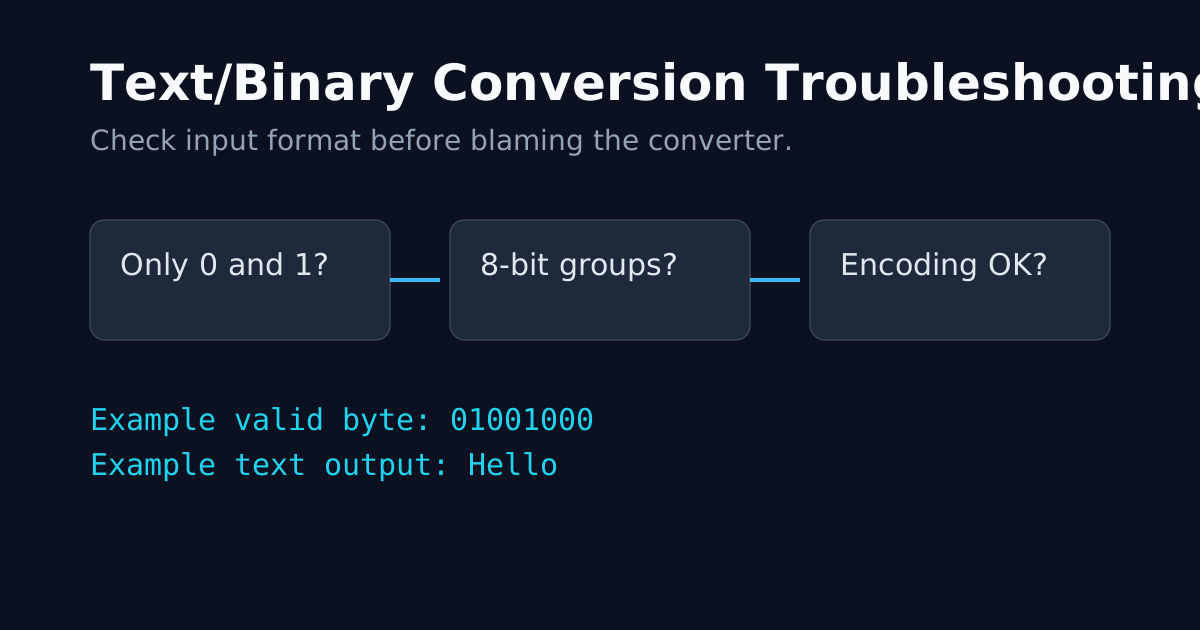
Most converter bugs are input bugs. Here are the issues that appear again and again.
1) Input Contains Non-Binary Characters
Bad:
01012001Fix: keep only 0 and 1.
2) Missing 8-bit Grouping
Bad:
100100001100101Fix: group by 8 bits for ASCII-like decoding:
01001000 011001013) Hidden Whitespace
Common sources:
- Copy/paste from docs
- Tabs and non-breaking spaces
- Line endings from mixed OS files
Fix: trim and normalize input before conversion.
4) Wrong Direction Assumption
Some users paste text into a binary decoder and expect text output again.
Fix: verify converter mode or use auto-detection tools.
5) Confusing ASCII with UTF-8 Multi-byte Text
ASCII assumptions fail for many international characters.
Fix: use UTF-8 aware workflows and tools.
6) Truncated Byte at the End
A trailing 0101 is not a full byte.
Fix: ensure complete bytes or decide explicit padding rules.
7) Newline Behavior Surprise
\\n in code and real line break are different representations.
Fix: test with visible escape sequence examples.
8) Decimal/Hex Mixed into Binary Stream
Bad mixed input:
01000001 0x42 67Fix: normalize all units into one base first.
9) Copying Formatted Content from Rich Text Editors
Rich text can inject invisible markers.
Fix: paste through plain text editor first.
10) Tooling Pipeline Mismatch
One step treats bytes as UTF-8, another treats them as Latin-1.
Fix: make encoding explicit at each step.
Fast Debug Checklist
- Only
0and1? - Grouped in 8?
- Encoding assumption explicit?
- Input copied as plain text?
- Round-trip test passes?